Untitled Document
 
Buy Now
watch video
Works With
All Products
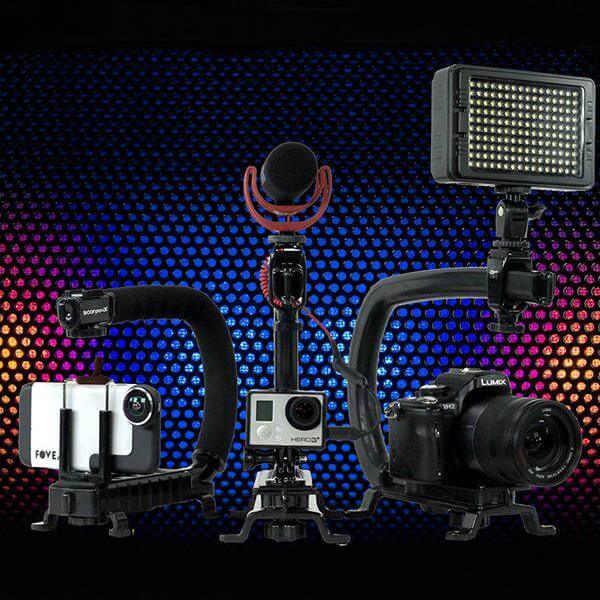
ADDING PROFESSIONAL VERSATILITY TO ANY CAMERA
 

The Original Cam Caddie
Tip's and Tricks, How To's, Demos, Customer Videos and More! View The best handheld steadicam for video cameras and DLSR camera in action now!

Learn how to improve your shots with a CamCaddie

Filming Tops
  FILMING TIPS
Today, you can shoot a program with your digital video camera, edit it, add special effects and have it aired on a major television network the next day. The problem is that too many people never learn the basic filmmaking techniques. Cam Caddie™ products are based on fundamental film making practices proven over many years in Hollywood and around the world. By mastering the basics, you can shoot quality programs with any camera and by using my products; your production will stand out as being equal to a program shot with even the highest budget.
 

BASIC RULES FOR ANY CAMERA OPERATOR

Consistency
No matter what techniques you decide to use, the number one rule is consistency. Images that jump from one style to the next without reason tend to detract from the story and draw attention to the camera itself. The camera's purpose is to give the viewer a sense of being privileged to witness some event by being a part of a scene. Drawing attention to the camera tends to remove the viewer from this experience. Everything needs to Flow & be as Smooth possible.

Staging
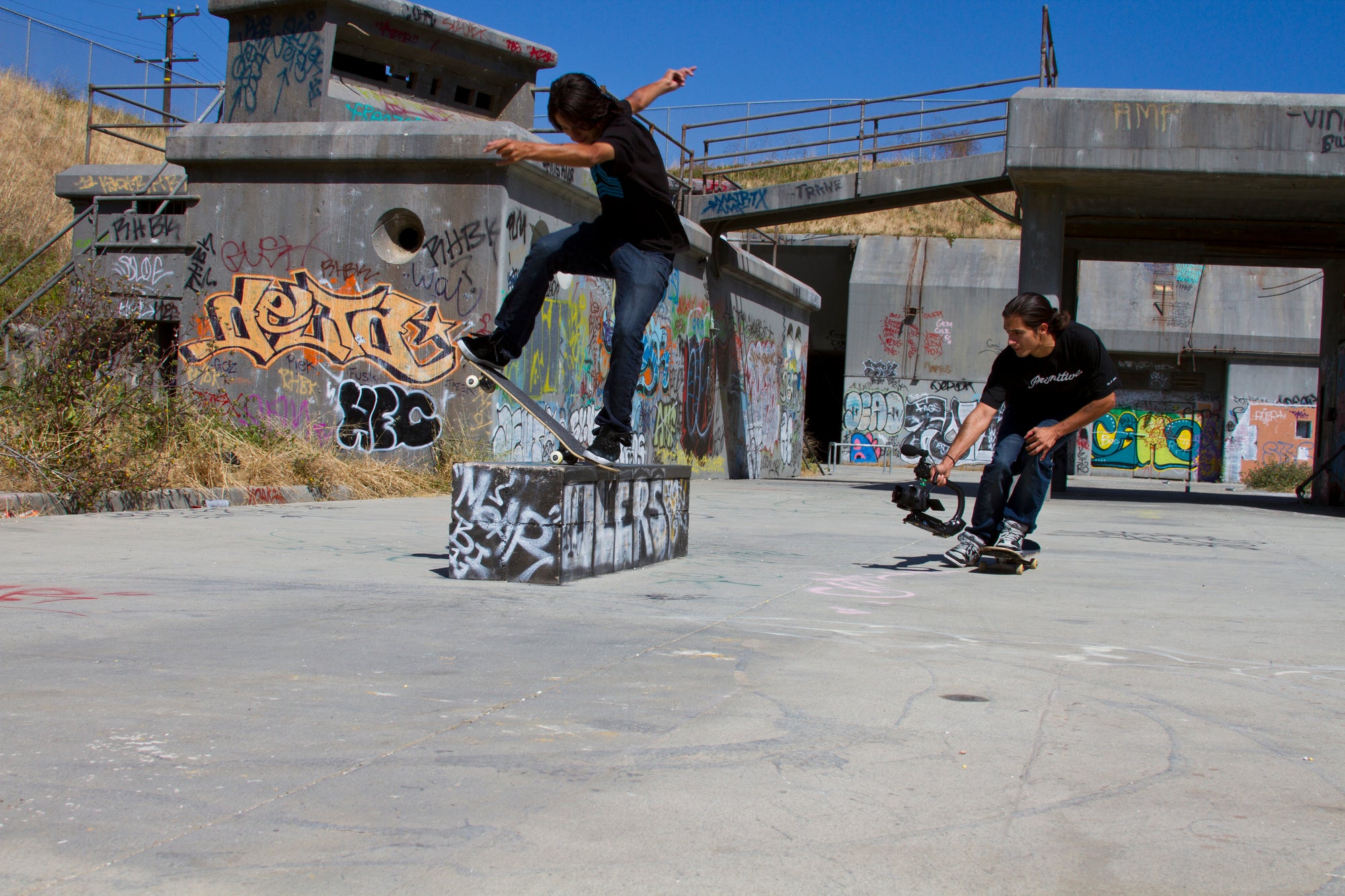
This is the first craft to master. No one can work on a set until you decide where a camera will be placed and how your images will tell the story. This is the most important thing you can do. Weather you are shooting a skate video or Home Movie Determine where the action will be taking place. Then visualize how you want it to look and from what angle you would like to see it. Then place the camera in the appropriate place & verify the shot.

Plan every shot
Have you ever wondered why so much time is spent setting up one shot? Each shot in a major motion picture is carefully planned, story boarded and discussed weeks if not months before actual shooting takes place. The more fluid each shot, the better the image looks on screen.

Every shot should be planned as much as possible before you press Record. Don't just roll tape because you have plenty of it. This will save time during the editing process by not having to go through all those worthless shots, & don't forget to mark your tape.

Be Creative Look for Different Angles
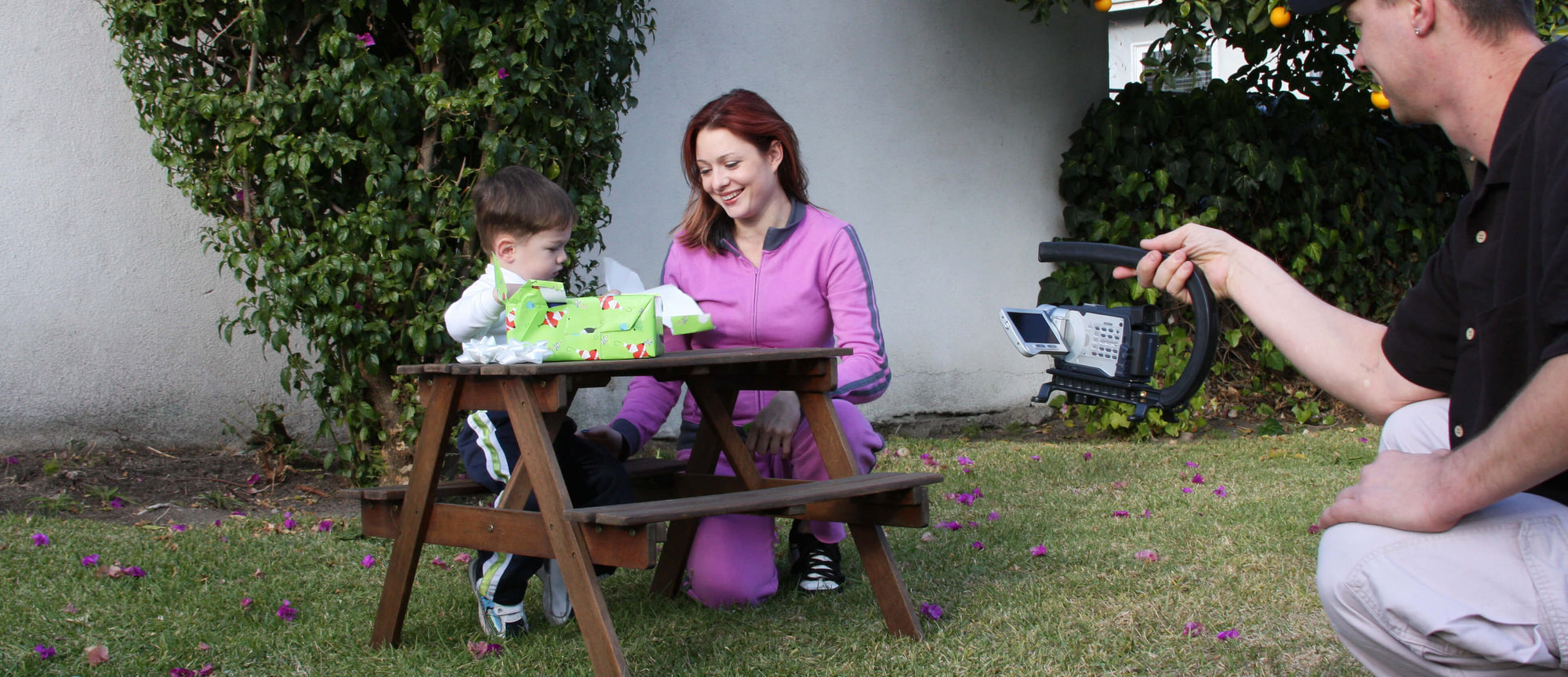
Use The Cam Caddie to your advantage, get different angels don't just hold the camera up at eye level and hit record. Get down low, get up hi or get right in to the middle of the action and get the shot.

Hand held work
Although there are times that jumpy images may be wanted but, the majority of the time you want a steady image. How many movies have you watched with the camera zooming in and out? Zooming in and out tends to make the viewer aware of the camera. Static focal lengths tend to be much better for the viewing experience. When shooting hand held, you will want to eliminate as much stress on yourself as possible so you can concentrate on your subject. The Cam Caddie™ is designed for just that purpose.

Fluid Movement
Once you are able to shoot a professional image you should begin to experiment with more dynamic shots. Images that flow through a scene are the most dynamic shots that you can use to increase the quality of your production. Zoom lenses do not give the viewer a sense of depth within a scene. By using a Cam Caddie to move a camera through a set or location, the viewer's mind will begin to establish a sense of dimension within that scene.

Floating the Camera
The Cam Caddie will allow you to float the camera with your hand to eliminate any vibration caused from footsteps or movement. You will be able to get smooth flowing shots that would be impossible to achieve without spending thousands of dollars on bulky & elaborate camera stabilizing devices.

  Advanced Uses
With CamCaddie and your personal camera you too can make stunning video's like a pro.
 
Video: adam_rsb
Created by: Insert name here
Video: adam_sk8-CamCaddie_366x254
Created by: Insert name here
CamCaddie Footer
Whats going on with Cam Caddie
 

FacebookTwitterMySpaceYouTube


CamCaddie

Cam Caddie Scorpion
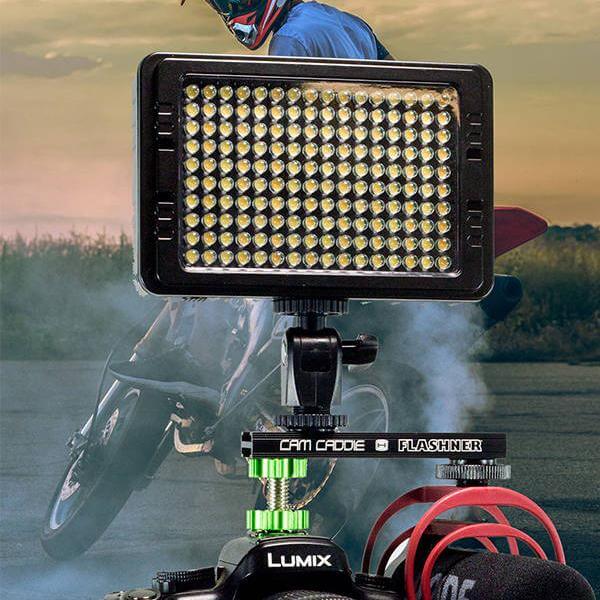
Mount LED Light
Cam Caddie Filming Tips


Sponsorship

Transworld Skate
Transworld Snow
Camp Woodward


Works with these Cameras

Nikon
Canon
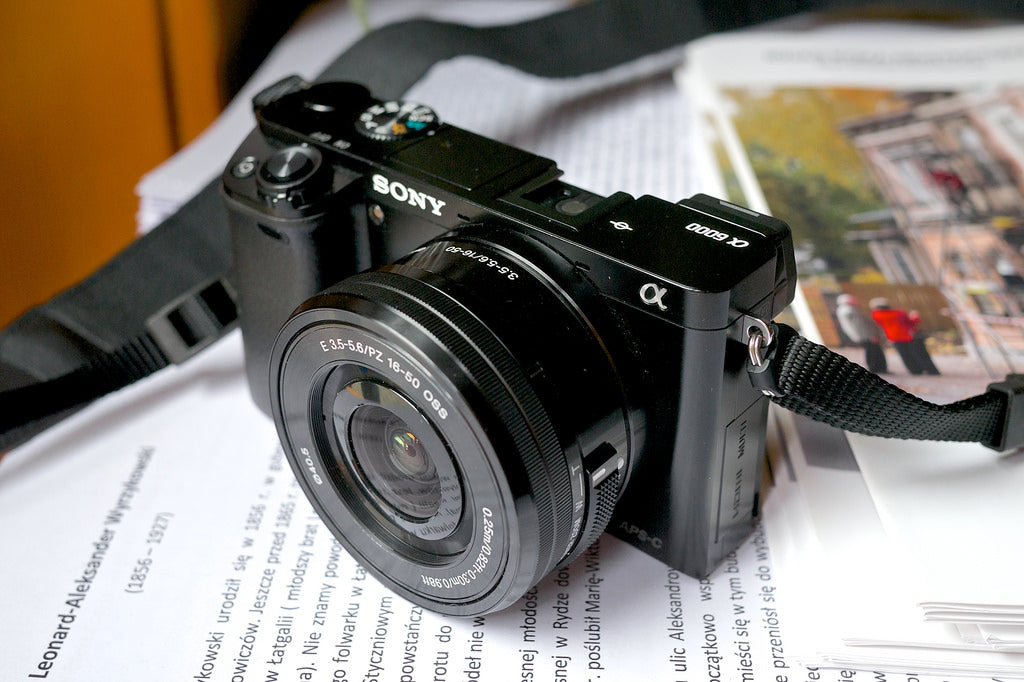
Sony
Pentax
Olympus
Panasonic
Red Digital Camera
Flip Video
Kodak
Philips
Samsung
Popular Camera Models

JVC
RCA
Hitachi
Sharp
VIXIA
Minolta
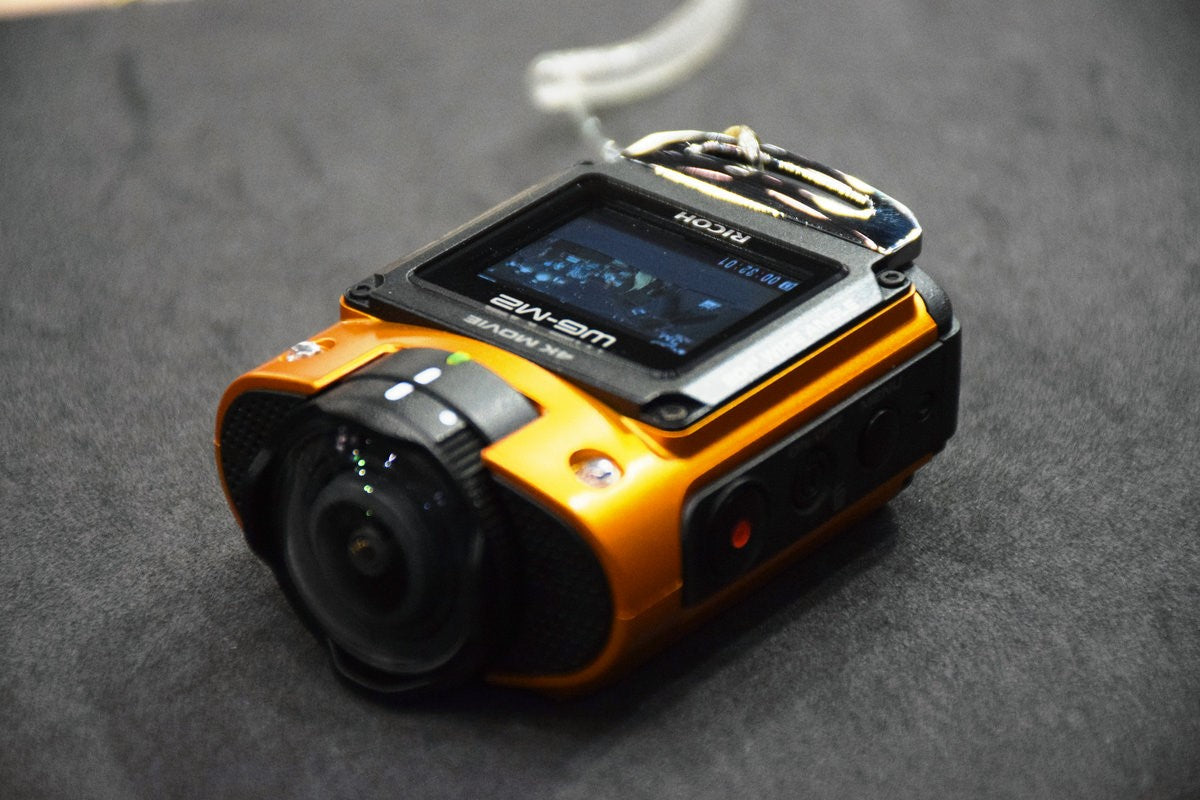
Ricoh
Casio
Cannon 5D Mark II
Nikon D90
Red Scarlet
Red Epic
Contact Us

Buy Now
Shop Cam Caddie
Discussion Board
Filming Tips
Contact Us
Reviews
Site Map
Twitter
Facebook
Myspace
Site Designed By: VinceRodDesigns.com